What can CollageIt for Mac do?

Key Features
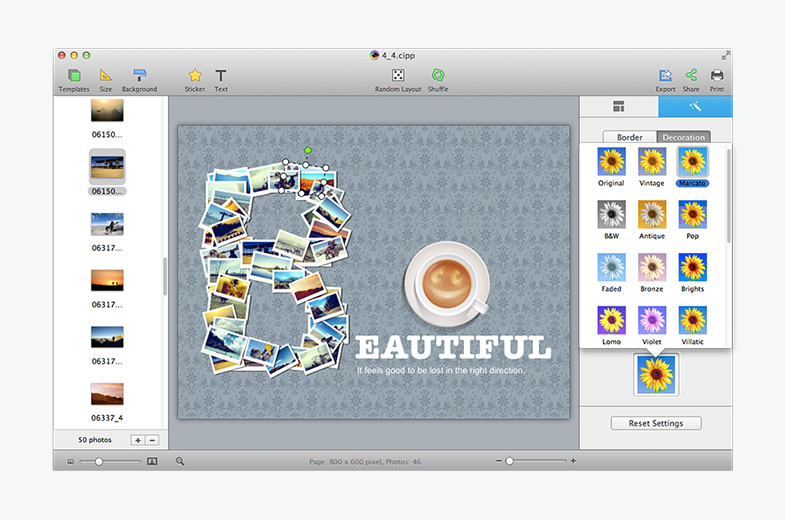
Automatic, Easy to Use and Powerful

- Only three steps you’ll create photo collage automatically. Easy enough for all users of all experienced levels.
- Realtime preview with a super speed and create the collage in a few seconds.
- The large photo capacity allows you to create collages from just a handful of photos or using up to 200 photos.
- Supports large scale collage and the collage size can be reached A1 size and even larger.
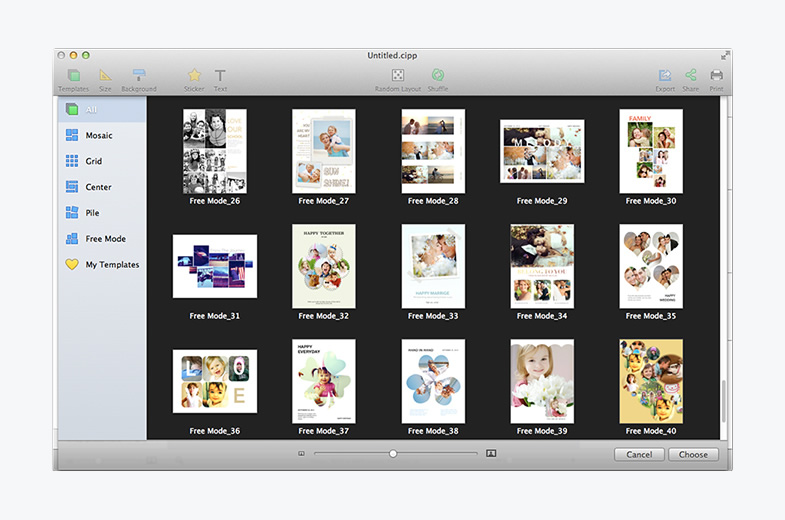
Various Templates to Choose

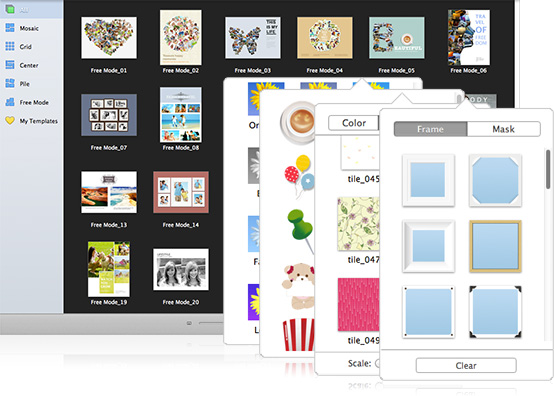
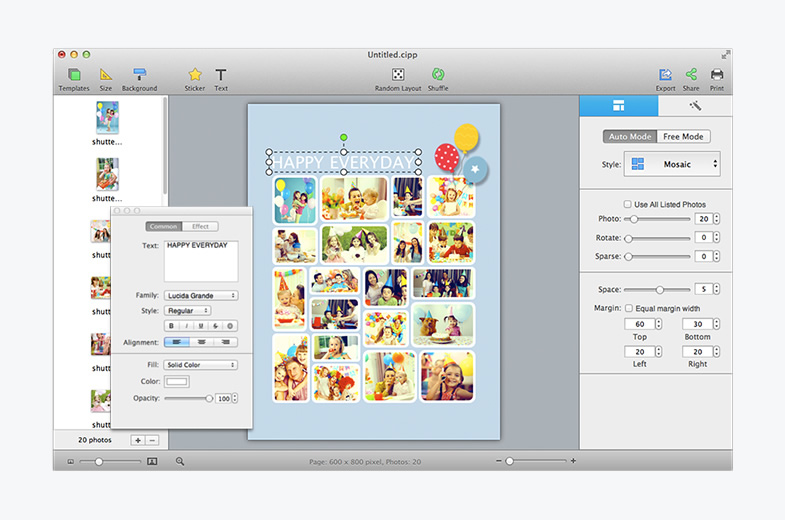
- Supports 4 collage styles including Mosaic, Grid, Center and Pile.
- Includes 30+ templates in total.
- The templates cover almost all kinds of collage styles, letting the user select a style and add their photos.
Customize Photo Collages Freely

- Customize the page size and collage background to suit your needs.
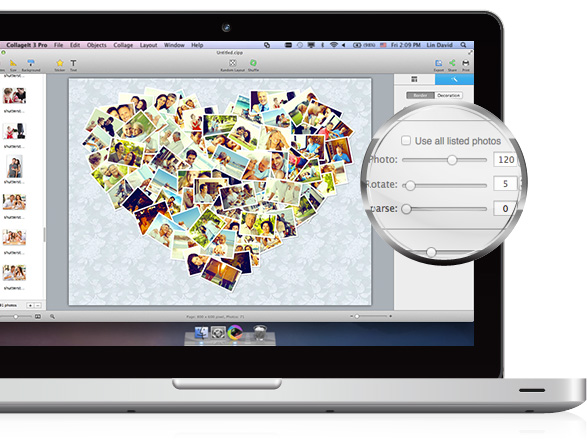
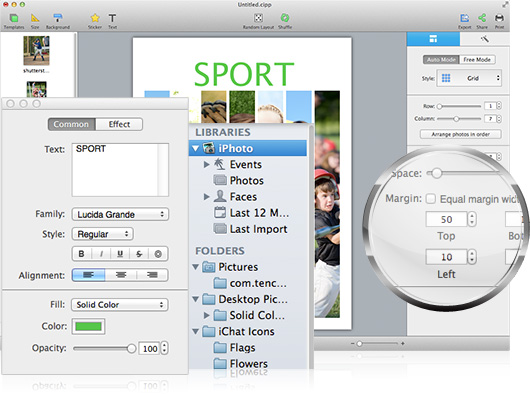
- Easily customize the collage layout with variable parameters like photo count, photo space, page margin, rotation and sparse.
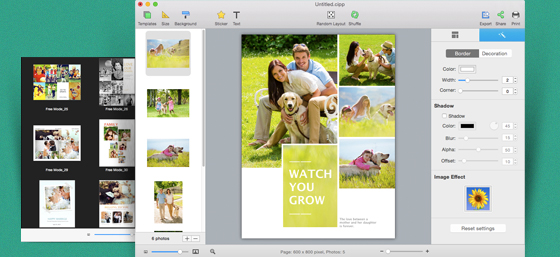
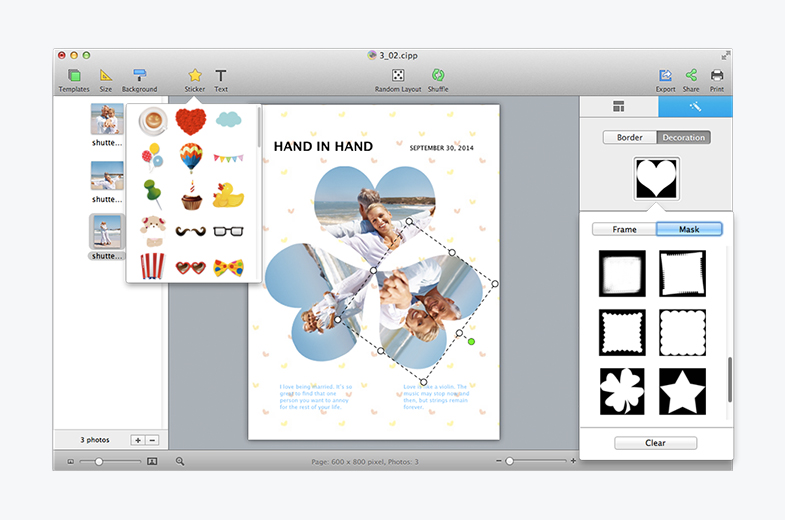
- Photo border and shadow added for decoration.
- Crop photo is available so that the photos in the collage can fit well into the chosen collage space.
- Various collage layouts can be continuously generated by using the Random Layout function
Share the Collage Anywhere

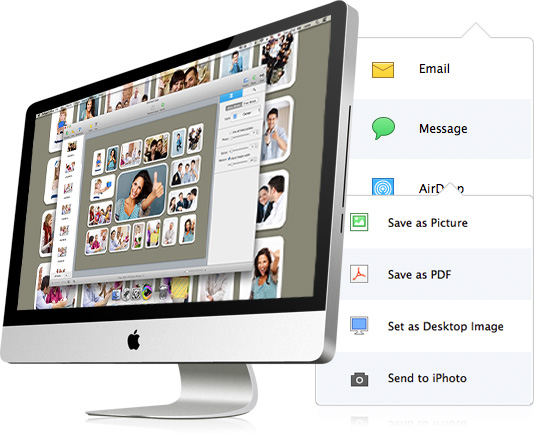
- Save the collages as JPEG, PNG, PDF etc images formats and print it out.
- Send it to family members and friends via Email.
- Easily set your photo collage as your desktop wallpaper.
- Share the beautiful collages on Flickr and Facebook.